
 3 design systems · 9 colour themes · 4 video sizes
Every word,
designed.animated.on the beat.yours.designed.
Zancut turns your talk, your recording or just an idea into a finished video, with a motion graphic built for every moment and landing on the exact word you say.
One plan, $29 a month · Mac and Windows · 20+ languages, Bangla included
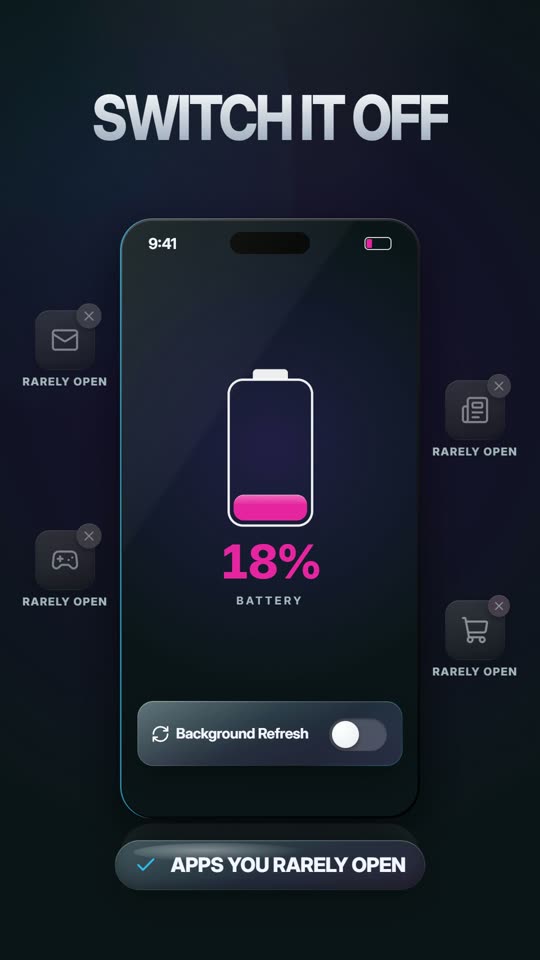
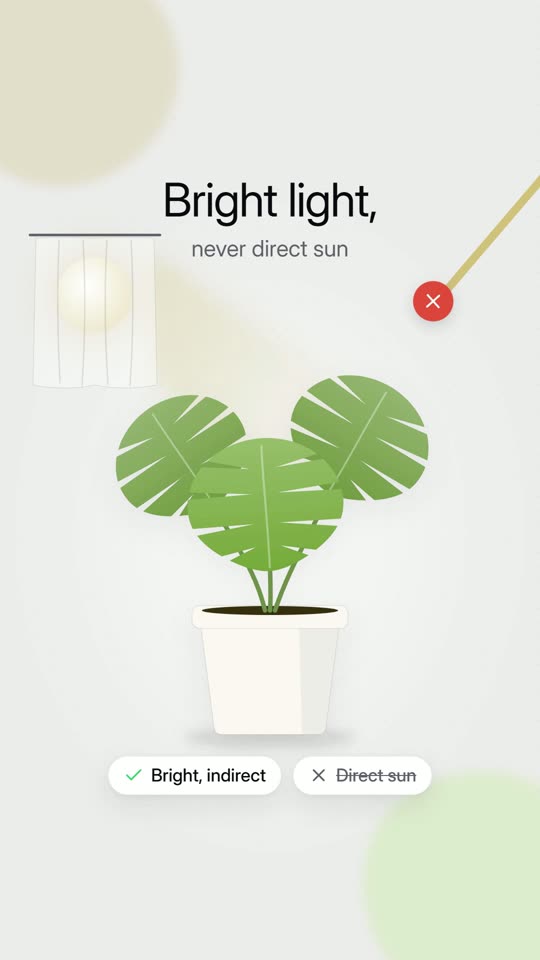
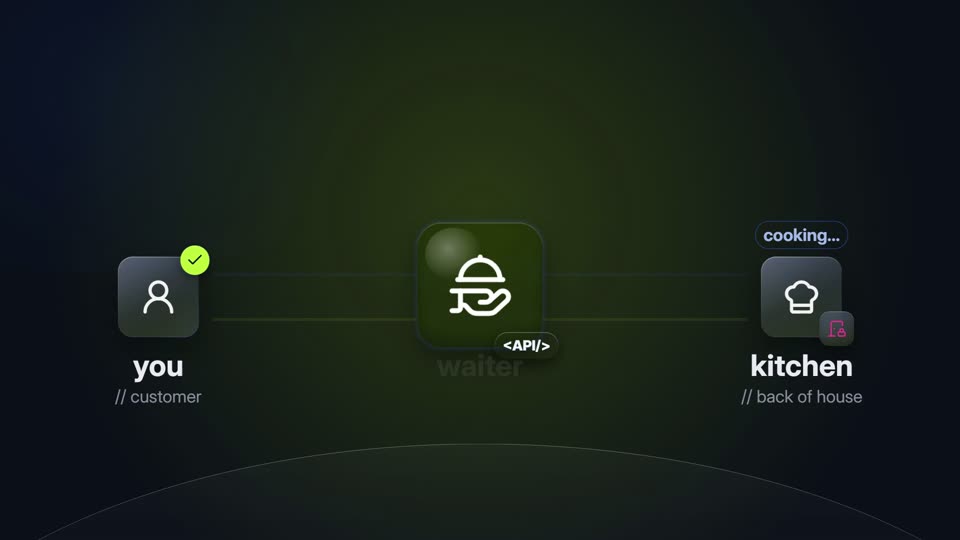
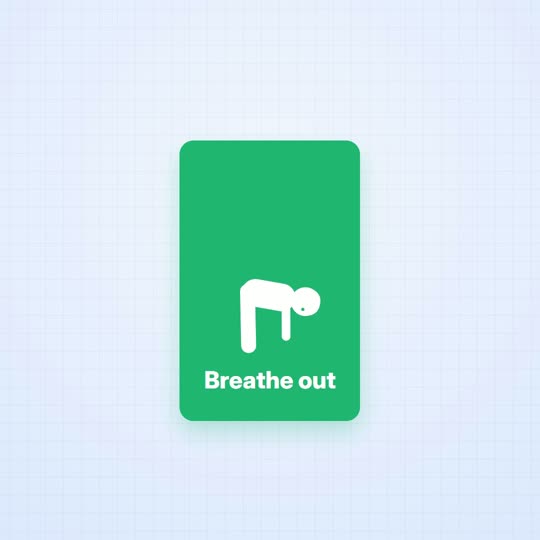
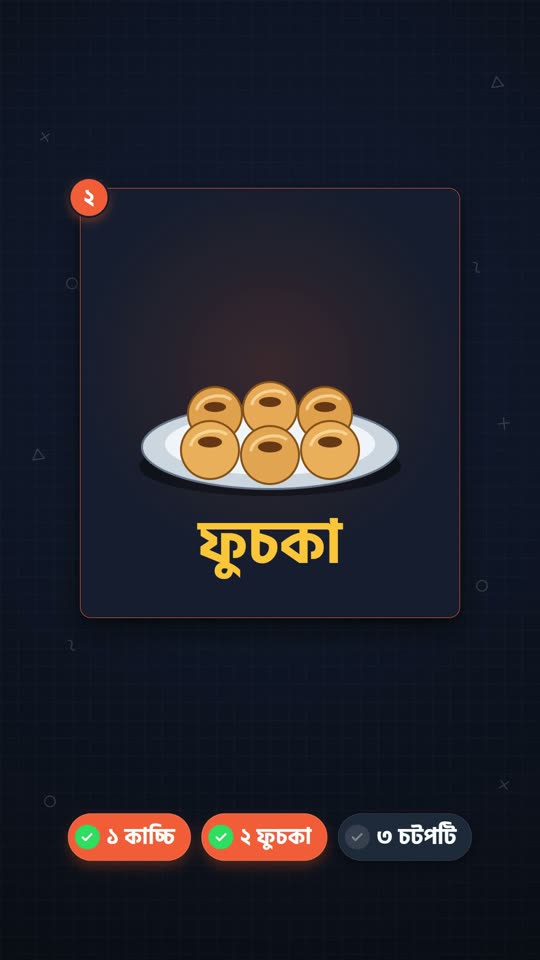
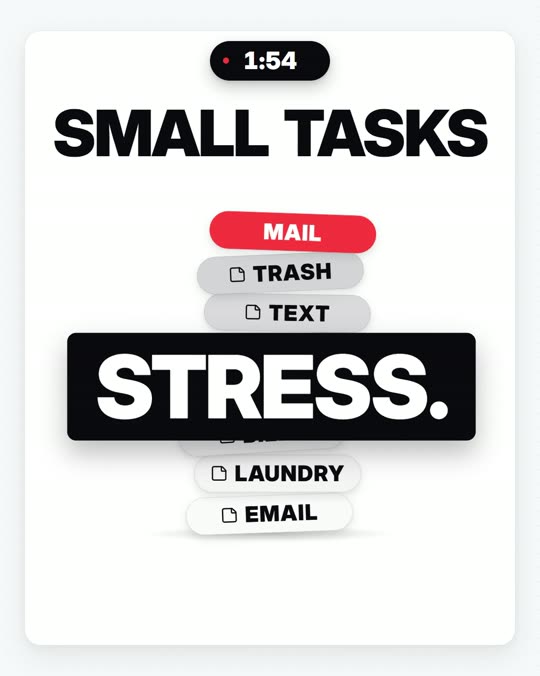
Shorts, wide, square. All moving.
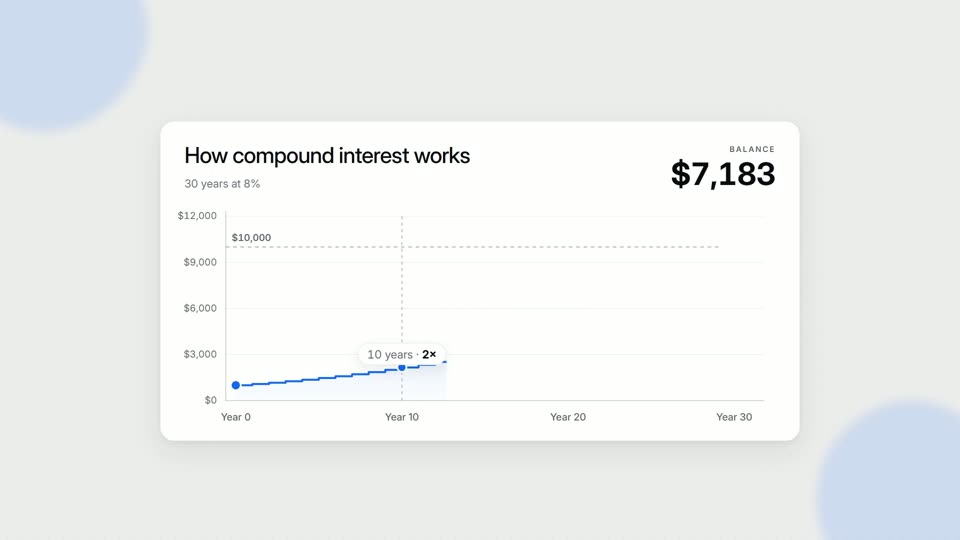
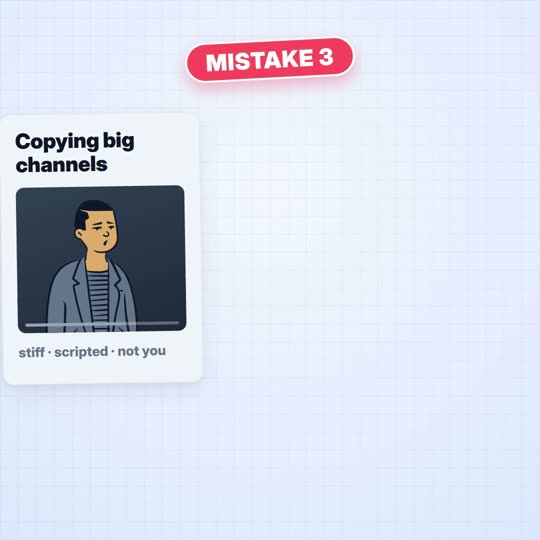
Every video here was made by Zancut. Hover a row to pause it.
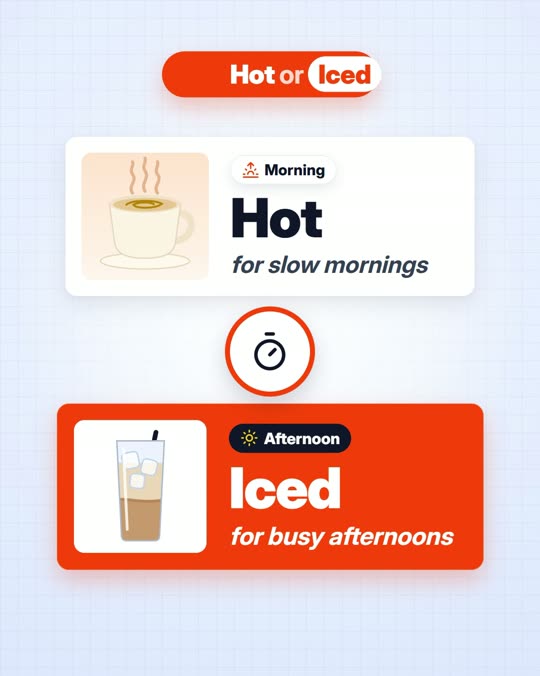
Templates repeat. Zancut designs.
The same sentence, twice. A template drops your words into someone else’s layout. Zancut acts out what they mean. Drag the handle to compare it yourself.
Four steps. You approve each one.
Click a step to see it.
 Look set
The voice is the clock.
Every graphic, caption and sound lands on the exact frame its word is spoken. Click any word to jump there.
On camera, off camera, on screen.
Pick a type. Add a screen recording or more people to either one.
Your look, in a few clicks.
Change anything below. Every scene restyles at once, in the app too.
Every size. One studio.
An AI crew, not a template.
Plans every scene from your words and picks a visual idea for each.
Builds it from your design system, each move on its word.
Checks it on real frames and has weak scenes rebuilt.
0:04.20:05.80:07.1Nothing renders until you approve the storyboard.
The details editors sweat over.
Magic Cut
One button removes umms, long pauses, false starts and retakes. Try it.
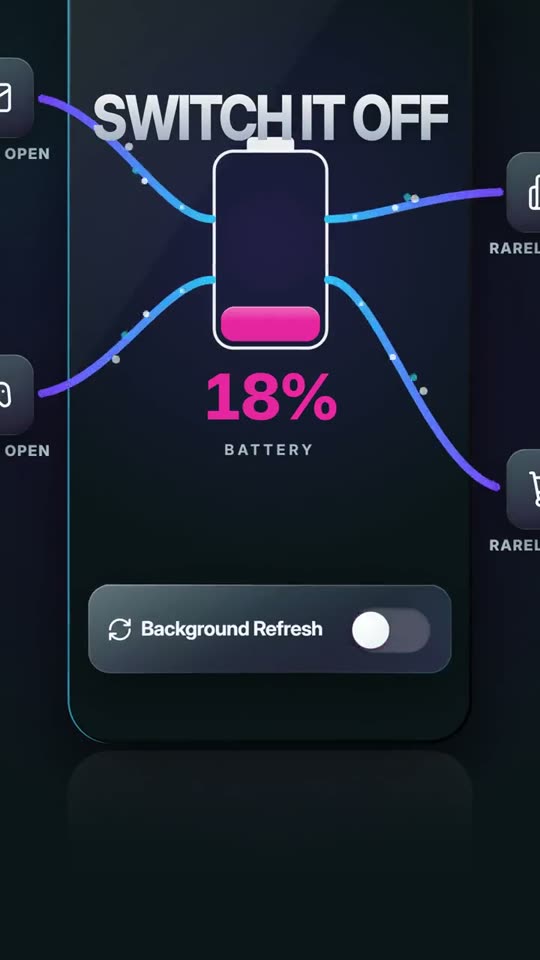
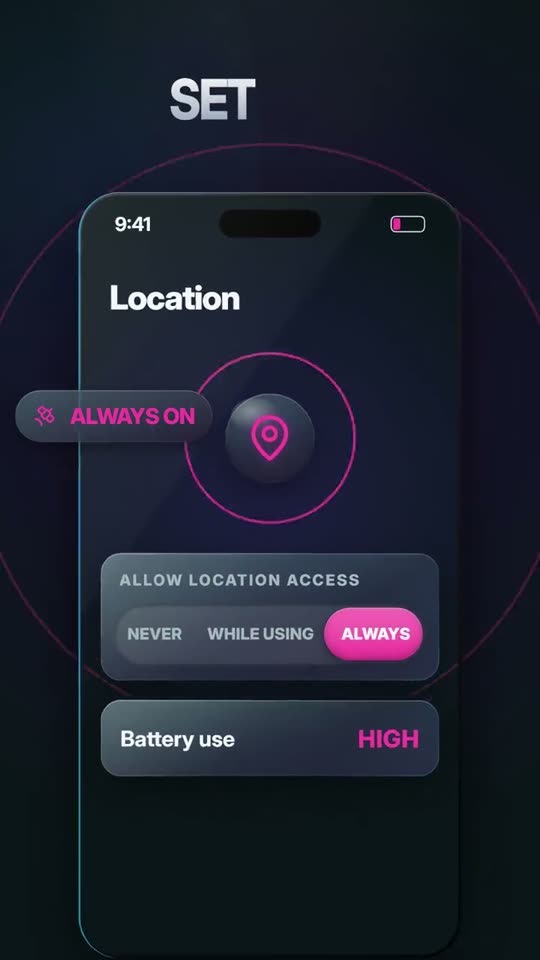
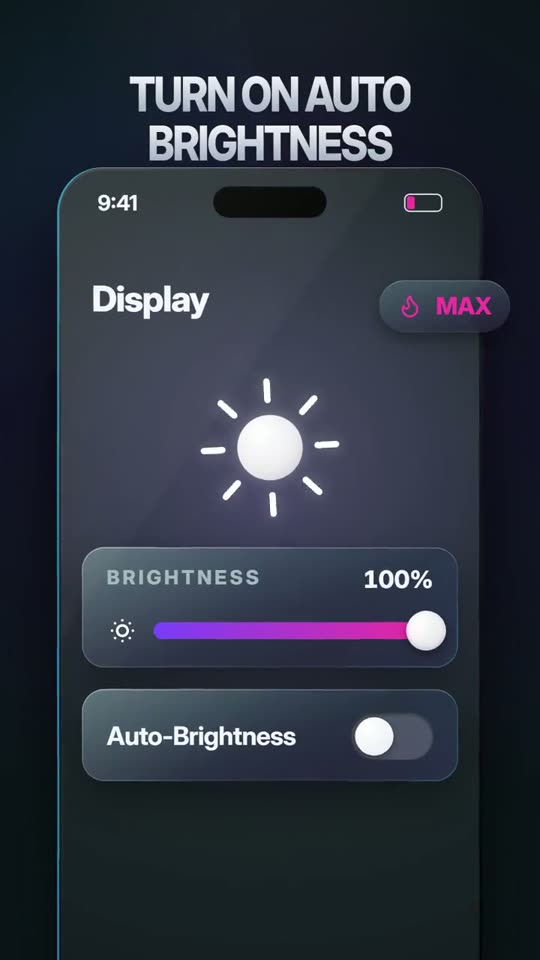
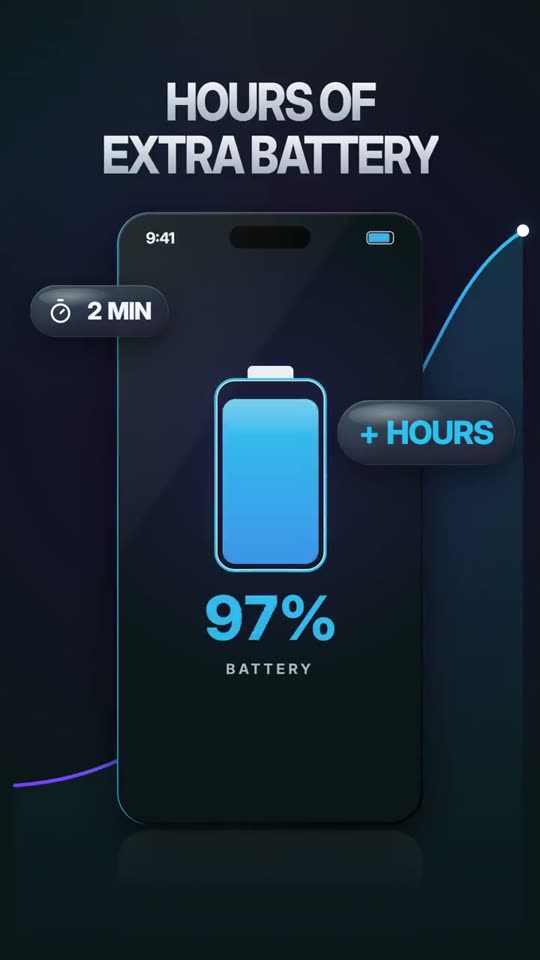
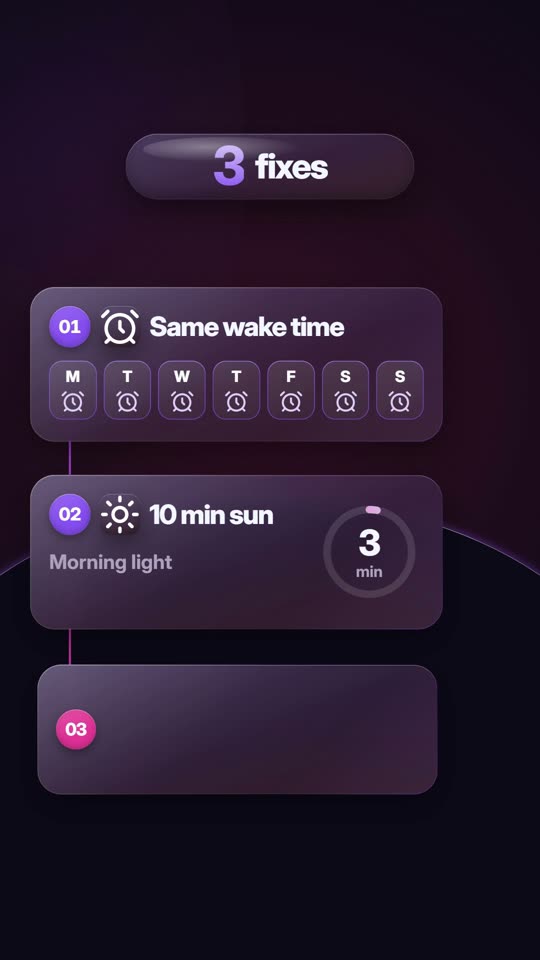
Umm,yourbatteryisn’tbroken.…Threesettings,sorry,threesettingsdrainit.
Pro sound design
Whooshes, risers and hits on the beat. Music ducks under your voice. Tap to hear.
Zancut AI
Scripts, ideas and thumbnails, in a chat that knows your project.
20+ languages, Bangla included
Transcripts, AI voice and captions in your language.
Mac and Windows apps
Files of any size edit on your own computer. Nothing big gets uploaded.
Review like a pro
Comment at a moment or a range, draw on the frame, attach a file. Get v2.
Style memory
Learns your taste from the changes you ask for, so the next video starts closer.
Advanced editor
Move scenes, swap transitions, add clips, sounds and music. By hand, no AI needed.
One plan. Everything in it.
Everything in Zancut for one month on your Mac or Windows computer, with your own Claude account. In Bangladesh, pay in BDT with bKash, Nagad, bank transfer or card.
You need your own Claude account (Pro or Max). Connect it once after signing in.
- Every tool: Planner, Script, Voice, Video, Thumbnail, Caption
- As many videos and changes as your Claude plan allows
- Runs on your own Claude account: no credits
- The Mac and Windows app
- 1080p export
- 3 design systems, 9 colour themes, 4 sizes
- Magic Cut, AI script and AI voice
- Captions in 20+ languages, Bangla included
- Storyboard approval and timed review comments
- Pro sound design and music
Runs on your computer. Mac and Windows.
Long videos and big files edit right on your machine. Nothing heavy gets uploaded.
Questions
Do I need editing skills?
No. You choose the look, add your media and approve the storyboard. Zancut does the editing, and you stay in control at every step.
Is this a template tool?
No. There is no template library. Every graphic is designed for its moment, following the design system you pick.
Which sizes can I make?
9:16 for TikTok, Reels and Shorts, 16:9 for YouTube, plus 1:1 and 4:5.
Can I change the video after it’s made?
Yes. Comment on the timeline, draw on the frame or attach a file. Zancut makes a new version and only touches the scenes you mention.
Which languages does it work in?
Over 20: English, Bangla, Hindi, Urdu, Arabic, Spanish, French, German, Portuguese, Indonesian, Turkish, Japanese, Korean and more. Your speech becomes captions and on-screen text in its own language, and the AI voices speak them too.
What can I upload?
Raw camera or phone video (MP4, MOV), a voice recording, a screen recording, pictures or just a script. There is no size limit: Zancut edits on your own computer, so nothing big gets uploaded.
Which computers does it run on?
A Mac with Apple Silicon (M1 or newer, macOS 12 or later) or a Windows 10 or 11 computer (64-bit). Download the app from the download page and sign in with the account we send you.
Which AI does it use?
Claude, on your own Claude account (Pro or Max). You connect it once after signing in. There are no credits and no extra AI bills from us.
How do I pay?
Choose the plan and send your details. We contact you and you pay with bKash, Nagad, bank transfer or card. Your account is ready the same day.
How long does it take?
Usually 15–45 minutes for the first version, less for changes. It keeps working in the background while you do something else.
Your next video,
designed word by word.
Make your first videoOne plan, $29 a month (৳2,499 in Bangladesh). Everything included.